
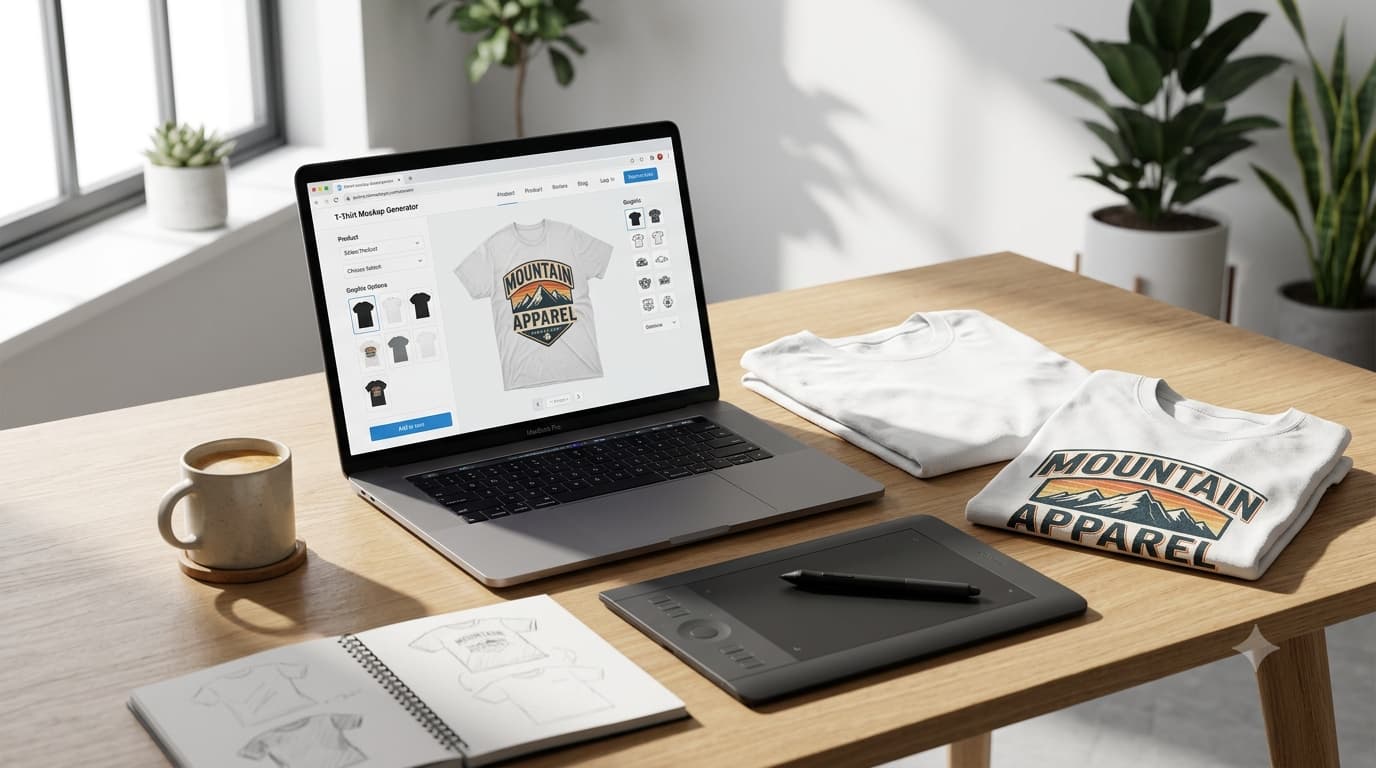
What Is a Mockup? The Complete Guide for Ecommerce Sellers and Designers
If you sell products online—whether through Shopify, Etsy, or your own website—you've likely heard the term "mockup" thrown around. But what exactly is a mockup, and why does it matter for your business?
A mockup is a static, high-fidelity visual representation of a design or product that shows what the final outcome will look like. Unlike wireframes, which are low-fidelity blueprints, or prototypes, which demonstrate functionality, mockups focus on visual appearance—including color schemes, typography, layout, and imagery .
For print-on-demand sellers, ecommerce entrepreneurs, and graphic designers, mockups are essential tools for presenting products to customers, testing design concepts, and building brands that convert.

Understanding Mockups: A Clear Definition
At its simplest, a mockup is a realistic visual representation of a product, design, or interface before it is produced or launched. It allows you to see how your artwork, branding, or concept will look in a real-world setting without the time and cost of creating a physical version.
For ecommerce businesses, mockups are commonly used to showcase products such as apparel, mugs, phone cases, packaging, and other merchandise. They help customers visualize the final product while giving sellers professional images for online stores and marketing campaigns.
Why Mockups Matter for Ecommerce Sellers
1. They Help Customers Visualize Your Products
Online shoppers can't touch or try on products. Mockups bridge this gap by showing designs in realistic, lifestyle contexts. A t-shirt mockup on a model helps customers imagine themselves wearing it, which increases purchase confidence and reduces return rates.
2. They Save Money on Sampling
Creating physical samples for every design iteration is expensive and time-consuming. Mockups allow you to test multiple designs, colors, and placements without printing a single item. This is particularly valuable for print-on-demand sellers who work with tight margins.
3. They Accelerate the Design Approval Process
Whether you're working with clients or internal stakeholders, mockups provide a tangible representation of your vision. Clients can see exactly how their design will look on a product, making feedback more precise and reducing costly revisions later in the process .
4. They Strengthen Your Brand Identity
Consistent, professional mockups build credibility and trust. A store that uses high-quality mockups appears more established and professional than one using amateur visuals. This perceived value directly impacts conversion rates and customer loyalty.
Mockups vs Wireframes vs Prototypes: Understanding the Differences
Many people use these terms interchangeably, but they serve distinct purposes in the design process. Understanding the differences helps you choose the right tool for your needs.

Think of it this way: a wireframe is the architectural blueprint, a mockup is the furnished room, and a prototype is the room with working electricity and plumbing .
Types of Mockups for Online Sellers
1. Apparel Mockups
These display designs on clothing items such as t-shirts, hoodies, sweatshirts, hats, and bags. Apparel mockups come in two main styles:
2. Product Mockups
These apply designs to various merchandise including mugs, phone cases, tote bags, posters, notebooks, and stickers. Quality product mockups show the item from multiple angles and in realistic settings.
3. Packaging Mockups
These showcase product packaging design, including boxes, labels, bags, and bottles. For brands, packaging mockups are essential for presenting retail-ready products to buyers and distributors.
4. Website and Digital Mockups
These display how your online store or landing page will look. Digital mockups help you refine your site's visual design before development begins.
5. Branding and Stationery Mockups
These show logos, business cards, letterheads, and other branded materials in realistic settings. They're crucial for building a cohesive brand identity and presenting to clients.
Best Practices for Creating Professional Mockups
A high-quality mockup does more than display a design—it helps customers visualize the finished product and builds confidence in their purchase. Whether you're creating product images for an online store or preparing marketing materials, following a few best practices can make your mockups look more realistic and professional.
Select a mockup that matches the style of your brand and the audience you're targeting. Lifestyle mockups are ideal for showcasing products in real-world settings, while flat lay mockups are perfect for highlighting design details. Studio mockups work well for clean product listings and professional catalogs.
Always upload high-resolution artwork with a transparent background whenever possible. Low-resolution images can appear blurry or pixelated when scaled, reducing the overall quality of the final mockup. Vector graphics or large PNG files typically produce the best results.
The most effective mockups look as close to real product photography as possible. Choose mockups with natural lighting, realistic fabric folds, accurate shadows, and proper perspective. Your design should blend seamlessly with the product instead of appearing as if it were simply placed on top of the image.
Place your artwork within the product's printable area and avoid stretching or distorting the design. Center logos, maintain consistent spacing, and ensure important design elements aren't hidden by folds, seams, or accessories.
Export mockups at a resolution suitable for their intended use. For ecommerce product listings, marketing materials, and social media campaigns, images between 2,000 and 4,000 pixels on the longest side generally provide excellent quality while remaining easy to upload and share.
If your product is available in multiple colors, generate mockups for the most popular options. Showing several variations helps customers understand how the design looks on different fabrics and can improve the overall shopping experience.

Common Mockup Mistakes to Avoid
1. Using Low-Quality Mockup Generators
Most mockup tools often produce amateur-looking results. Invest in quality mockup generators or templates to maintain a professional image.
2. Distorted or Pixelated Designs
Always ensure your design file matches the recommended resolution for the mockup template. Stretching or compressing artwork results in unprofessional distortion.
3. Unrealistic Lighting and Shadows
Poor lighting immediately breaks the illusion of a mockup. Professional mockup tools handle this automatically, but if you're editing manually, pay careful attention to shadow direction and intensity.
4. Overlooking the Background
Backgrounds affect the overall impression of your mockup. Cluttered or distracting backgrounds detract from the product. Use clean, complementary backgrounds that enhance rather than compete.
5. Forgetting About Color Variants
If you offer a product in multiple colors, show those colors in your mockups. Customers want to see exactly what they're ordering.
6. Ignoring Mobile Viewers
Many customers shop on mobile devices. Make sure your mockups display clearly on small screens, with bold designs and clear details.
How Mockups Drive Sales on Etsy and Shopify
First Impressions Matter
In crowded online marketplaces, the first thing shoppers notice is your product image. High-quality mockups make your listings stand out among competitors. A professional-looking mockup signals quality and builds trust before a potential customer even reads your product description.
Reducing Purchase Uncertainty
One of the biggest barriers to online purchasing is uncertainty. Mockups reduce uncertainty by showing exactly what the customer will receive. A realistic lifestyle mockup helps customers imagine owning the product, which increases purchase intent.
Supporting Higher Price Points
Professional product presentation supports premium pricing. Customers are willing to pay more for products presented in a polished, professional way. A $20 t-shirt shown on a model in a professional setting appears more valuable than the same t-shirt shown flat on a white background.
Enhancing Social Media Marketing
Visually appealing mockups are shareable content for social media. They perform well on platforms like Instagram and Pinterest, driving organic traffic to your store and building brand awareness.
Print-on-Demand Mockups: What You Need to Know
For print-on-demand sellers, mockups aren't just nice to have—they're essential.
Testing Before Printing
POD mockups let you see exactly how your design will look on different products before ordering samples. This saves money and allows you to iterate quickly on new designs.
Designing for Different Products
Different products require different design considerations. A design that looks great on a t-shirt may not work on a mug or phone case. Mockups help you tailor designs for each product type.
Creating Consistent Product Presentations
POD platforms allow you to create products quickly. Mockups help you maintain consistent visual standards across your entire product catalog, strengthening your brand identity.
Top Free Resources for Mockup Templates
Osiomax
Osiomax offers a powerful free online mockup generator specifically designed for ecommerce sellers. With hundreds of templates for apparel, accessories, and more, it's an essential tool for print-on-demand businesses. The platform features: Free T-Shirt Mockup Generator Hoodie Mockups
The Role of Mockups in Brand Building
Your brand is more than just a logo—it's the complete experience customers have with your business. Mockups play a crucial role in building and maintaining a consistent brand identity across all touchpoints.
Visual Consistency
Every time a customer sees your product, whether on Etsy, your website, or social media, the presentation should feel cohesive. Mockups help achieve this consistency by providing a standardized visual framework.
Professional Credibility
First-time visitors to your store form instant judgments based on visual presentation. High-quality mockups establish credibility and suggest that you take your business seriously.
Differentiation
In crowded product categories, presentation is a key differentiator. While competitors may use basic product photos or amateur mockups, professional mockups set your brand apart.
Practical Mockup Examples for Your Business
Example 1: T-Shirt Design Mockup
Scenario: You've created a new t-shirt design and want to test it with customers before ordering inventory.
Solution: Use a t-shirt mockup to show the design on a model or flat lay. Share this on social media to gauge interest. If the response is positive, proceed with production.
Example 2: Product Listing on Etsy
Scenario: You're launching a new product on Etsy and want to stand out in search results.
Solution: Create a lifestyle mockup for the main image and detail mockups for secondary images. Show the product in use and from multiple angles.
Example 3: Email Marketing Campaign
Scenario: You're announcing a new product to your email list and want to build excitement.
Solution: Create a mockup of the product in a lifestyle setting. The visual storytelling generates emotion and drives clicks.
Mockups for Different Ecommerce Platforms
Shopify Mockups
Shopify merchants can use mockups across multiple touchpoints:
Etsy Mockups
Etsy sellers require mockups that work within the platform's specific image requirements:
WooCommerce Mockups
WooCommerce store owners can use mockups for:
Future-Proofing Your Mockup Strategy
AI and Mockup Generatio
Artificial intelligence is transforming mockup creation. Tools like Osiomax leverage AI to offer smarter, faster mockup generation, allowing businesses to create professional product visuals in seconds rather than hours.
3D and Augmented Reality
As technology evolves, 3D mockups and augmented reality (AR) experiences are becoming more accessible. These immersive experiences offer customers even deeper engagement with products before purchase.
Video Mockups
Video mockups are an emerging trend, providing customers with dynamic product views that static images cannot match. These are particularly effective for demonstrating product features and quality.
Frequently Asked Questions About Mockups
What is a mockup in graphic design?
A mockup in graphic design is a realistic visual representation of a design applied to a physical product, packaging, or digital interface. It shows how the final design will look in the real world.
What is the difference between a mockup and a prototype?
A mockup is static and focuses on visual appearance, while a prototype is interactive and focuses on functionality and user experience. A mockup shows what the product looks like; a prototype shows how it works .
Is a mockup a prototype?
No. While both are used in the design process, mockups are static visual representations, and prototypes are interactive functional representations. A mockup comes before a prototype in the design workflow .
Why are mockups important for print-on-demand businesses?
Mockups allow print-on-demand sellers to visualize designs on products before ordering samples, test multiple design concepts, create professional product listings, and build brand credibility.
Can I use mockups for commercial purposes?
Yes. Most mockup templates and generators, including Osiomax, provide licenses for commercial use. Always check the license terms to ensure proper usage rights.
What format should I use for mockups?
High-resolution JPG or PNG files are standard for product listings and marketing materials. For editable templates, PSD (Photoshop) or AI (Adobe Illustrator) formats are common.
How do I create a mockup for a t-shirt?
You can use a mockup generator like Osiomax, upload your design to a t-shirt template, adjust the placement and scale, and download the finished mockup. It takes only minutes.
Are free mockup generators any good?
Yes, many free mockup generators offer excellent results. Osiomax provides professional-quality mockups at no cost, making it accessible for sellers of all levels.
What resolution should my mockup be?
For product listings, 2000–4000 pixels on the longest side is recommended. This provides crisp display on desktop and mobile devices while keeping file sizes manageable.
How many mockups should I create per product?
At minimum, create one hero mockup for the main product image and 2–3 supplementary mockups showing different angles or details. More variations help build customer confidence.
Can I create mockups without design experience?
Yes. Tools like Osiomax are designed for users without design training. The platform handles complex rendering automatically, allowing you to create professional mockups in minutes.
What's the cost of professional mockup creation?
Costs vary widely. Osiomax offers free mockup generation. Professional designers charge $50–$500+ per mockup. Specialized 3D renderings can cost thousands. For most ecommerce businesses, a quality free or low-cost tool is sufficient.
How do mockups improve conversion rates?
High-quality mockups reduce purchase uncertainty, build trust through professional presentation, help customers visualize products, and differentiate your brand from competitors.
What makes a mockup look professional?
Professional mockups feature realistic lighting, accurate shadows, appropriate context, high resolution, and a clean, focused presentation that highlights the product.
Are mockups the same as product photography?
No. Product photography captures real physical products, while mockups are digital representations. Mockups offer advantages like flexibility, cost-effectiveness, and the ability to show products that don't yet exist.
Conclusion: Elevate Your Brand with Professional Mockups
Mockups are essential tools for anyone selling products online, creating brands, or presenting design concepts. They bridge the gap between vision and reality, helping customers understand what they're buying and helping sellers build trust and credibility.
Whether you're a print-on-demand seller on Etsy, a Shopify merchant building a brand, or a graphic designer presenting to clients, investing time in high-quality mockups pays dividends in conversions, customer satisfaction, and brand perception.
The best part? You don't need expensive software or design training to create professional mockups. Platforms like Osiomax make the process simple, fast, and free, allowing you to focus on what matters most: creating great products and building a successful business.
Start creating professional mockups today and see the difference they make in your product presentation and sales.
Related Articles
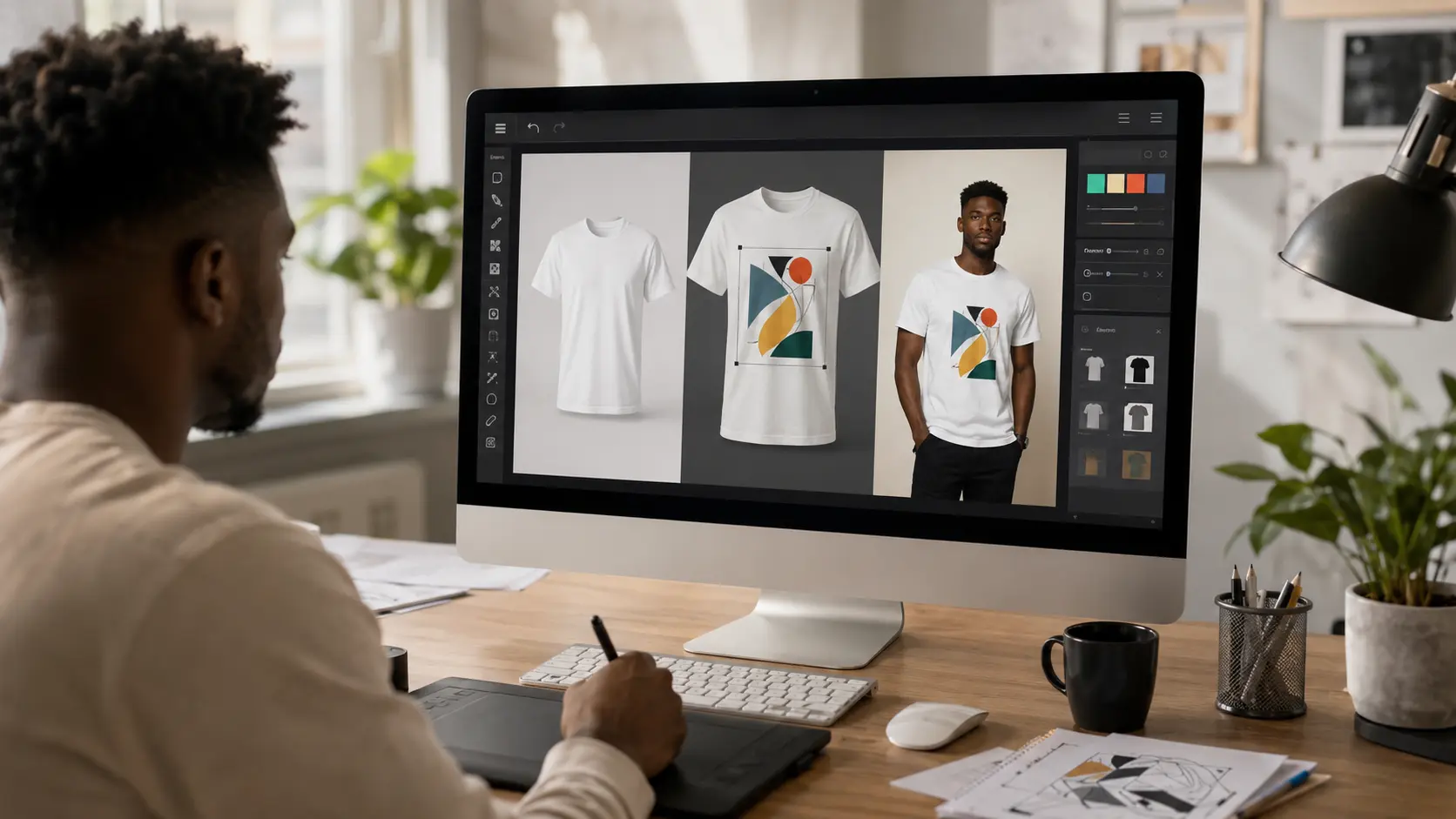
How to Make a T-Shirt Mockup
Learn how to make a professional T-shirt mockup in minutes. This step-by-step gu...
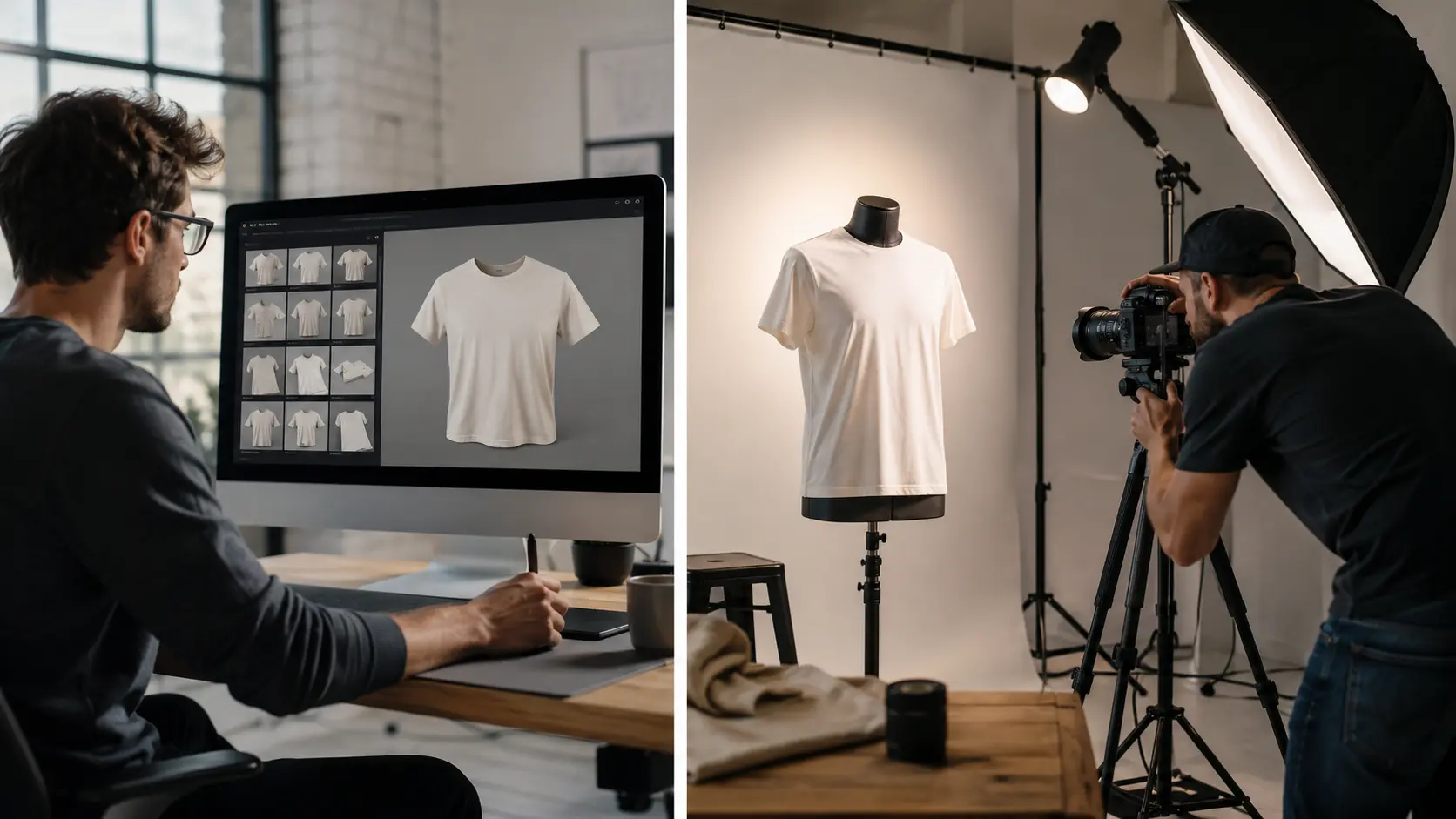
Product Mockups vs Product Photography: Which Should You Use?
Discover the key differences between product mockups and product photography, th...
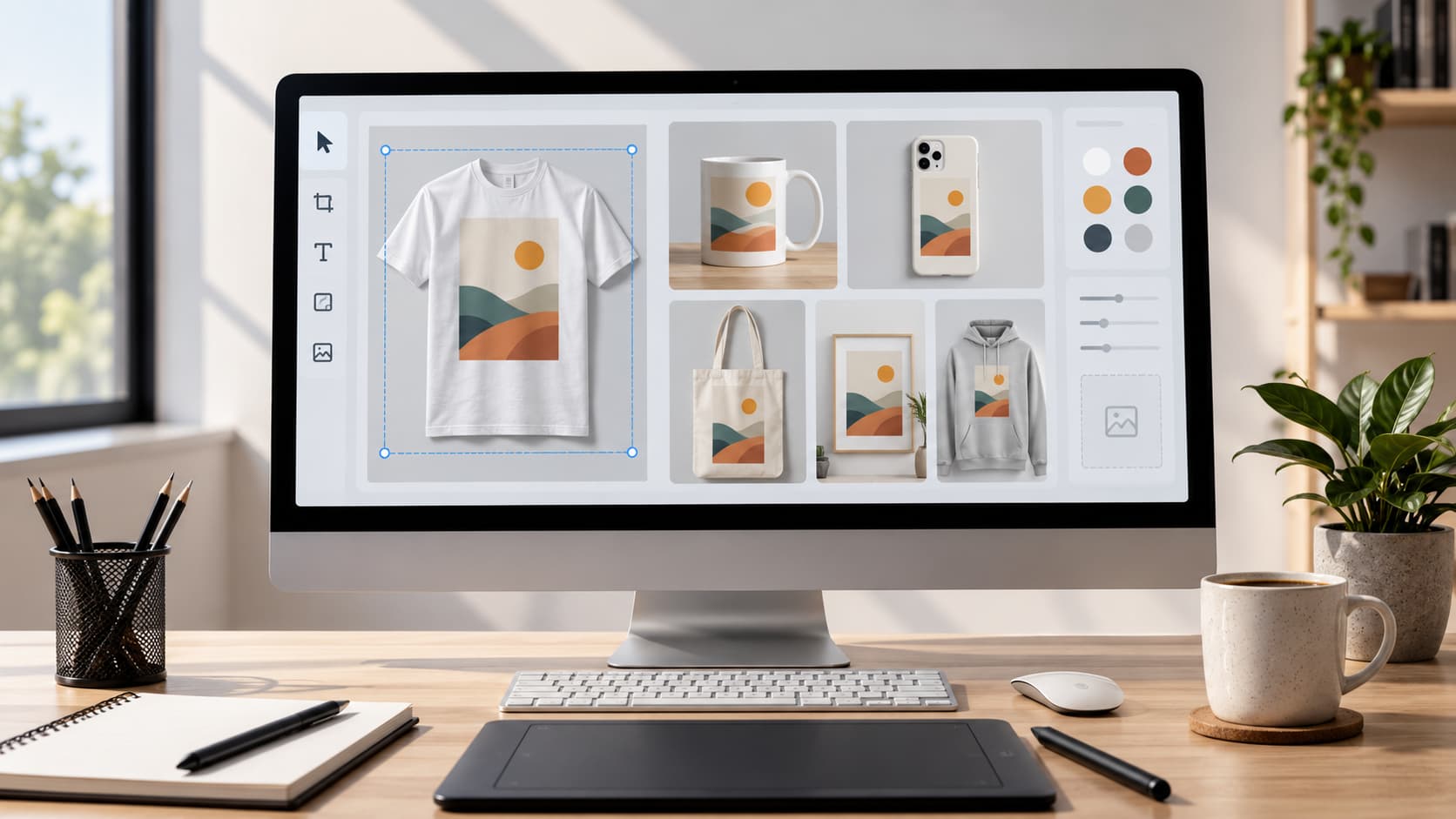
How to Create Professional Product Mockups
Making your products look good is easy when you use product mockups. They make y...